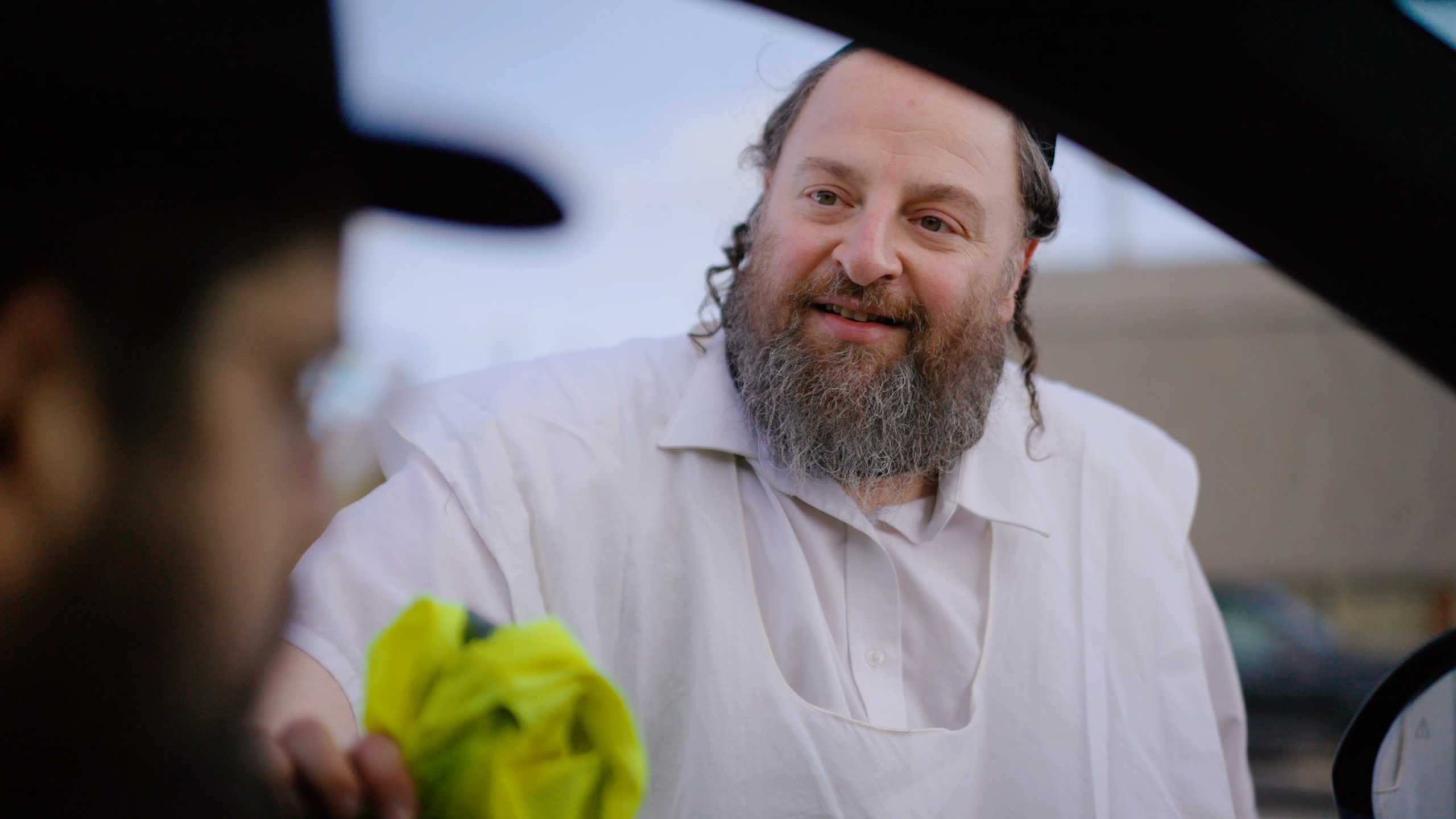
How we used AI to fix a beard color problem in a professional music video production – turning what would have been weeks of manual work into a day of automated processing.
The Challenge: When Reality Doesn't Match the Character
This project involved a music video production for Benny Friedman, one of the most famous Hasidic Jewish singers in the world. The production was handled by Olam U'Mlo'o, a prominent production company specializing in Jewish content.
One of the featured actors is Menashe Lustig, a beloved figure in the ultra-Orthodox entertainment world, known for his distinctive red-brownish beard – it's practically his trademark.
The problem: Menashe's beard has naturally transitioned to silver-white. During the production schedule, there wasn't enough time to apply proper makeup before the shoot. The footage was already captured, edited, and nearly finalized when this issue became apparent.
The production faced a choice:
- Reshoot – Expensive, time-consuming, logistically complex
- Traditional VFX – Frame-by-frame rotoscoping would take weeks
- AI Post-Production – A modern solution using cutting-edge AI video tools
They chose option 3.
The Workflow: 6 Steps from Problem to Solution
We designed a pipeline that balances automation with human creative control:
- Hero Frame Extraction – Extract first frame from each clip
- Manual Editing – Edit beard color in Ideogram.ai
- AI Video Replace – Apply edited frame to video using fal.ai
- Quality Review – Compare original vs processed
- Video Upscale – Restore 4K quality
- FCPXML Integration – Update Final Cut Pro project
Step 2: Manual Editing with Ideogram.ai
The key insight: AI video replacement needs a "reference image" showing what the final result should look like. We used Ideogram's Magic Fill feature to selectively edit just the beard area.
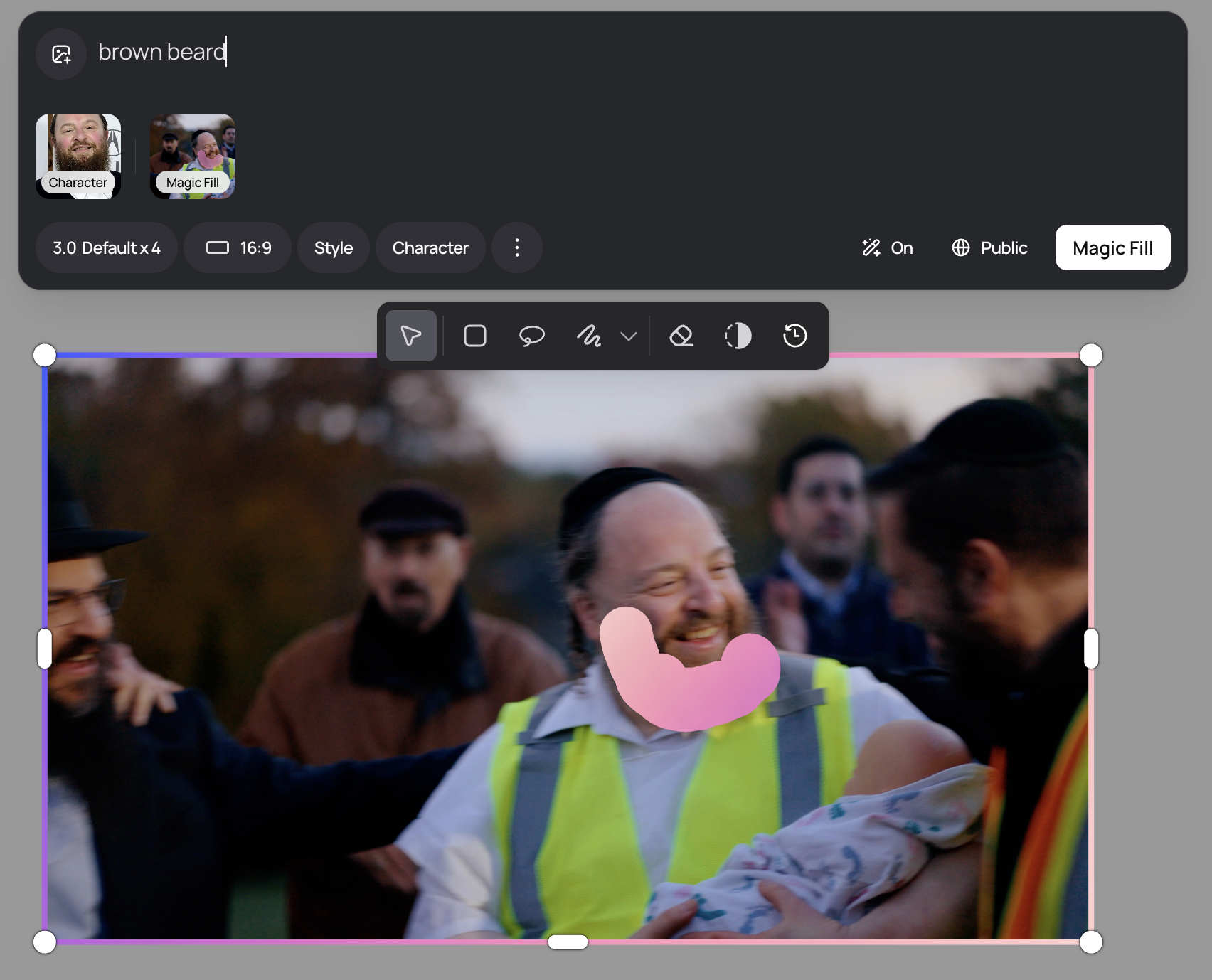
Using Ideogram's Magic Fill to select and edit the beard area with character reference
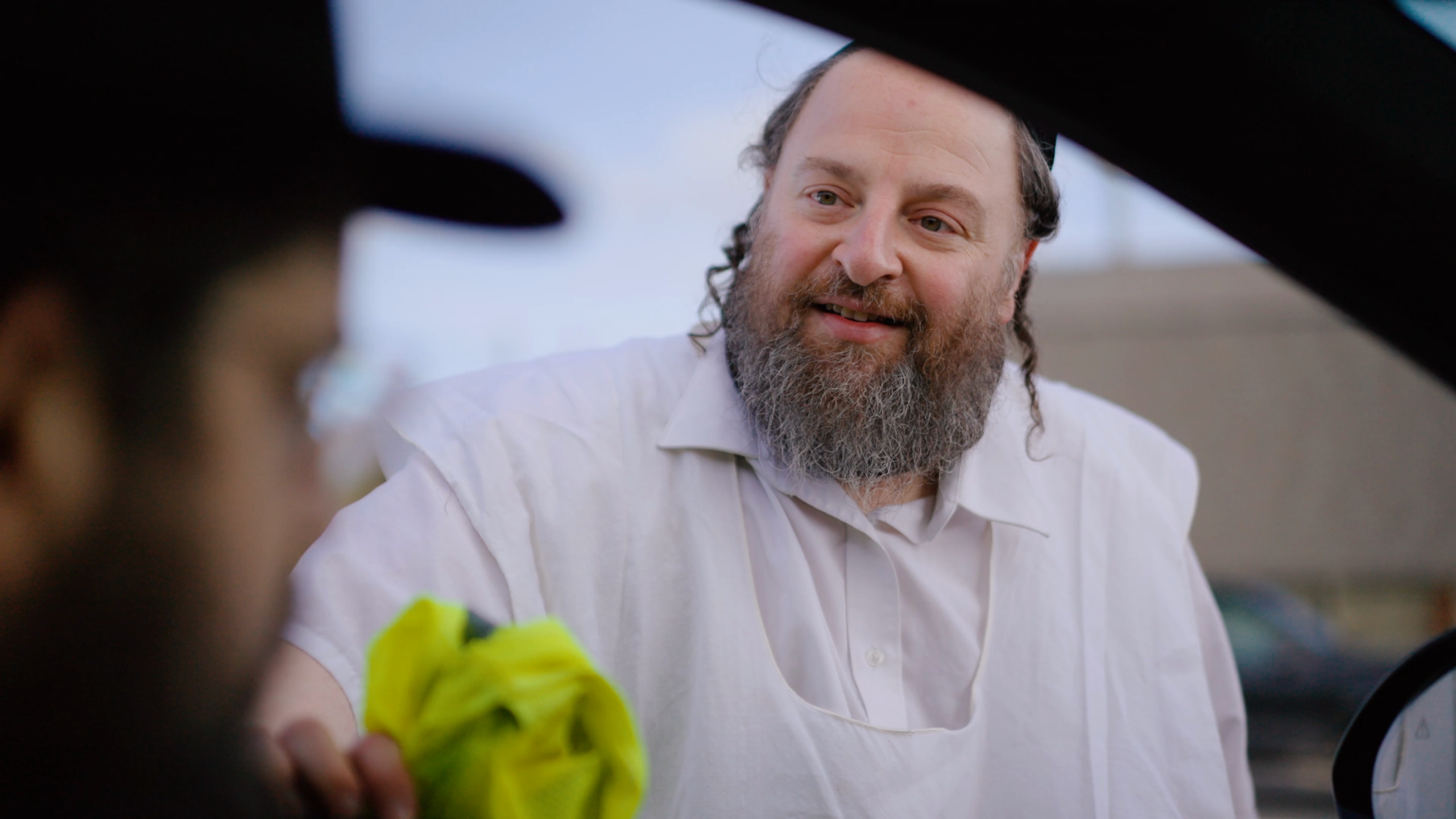
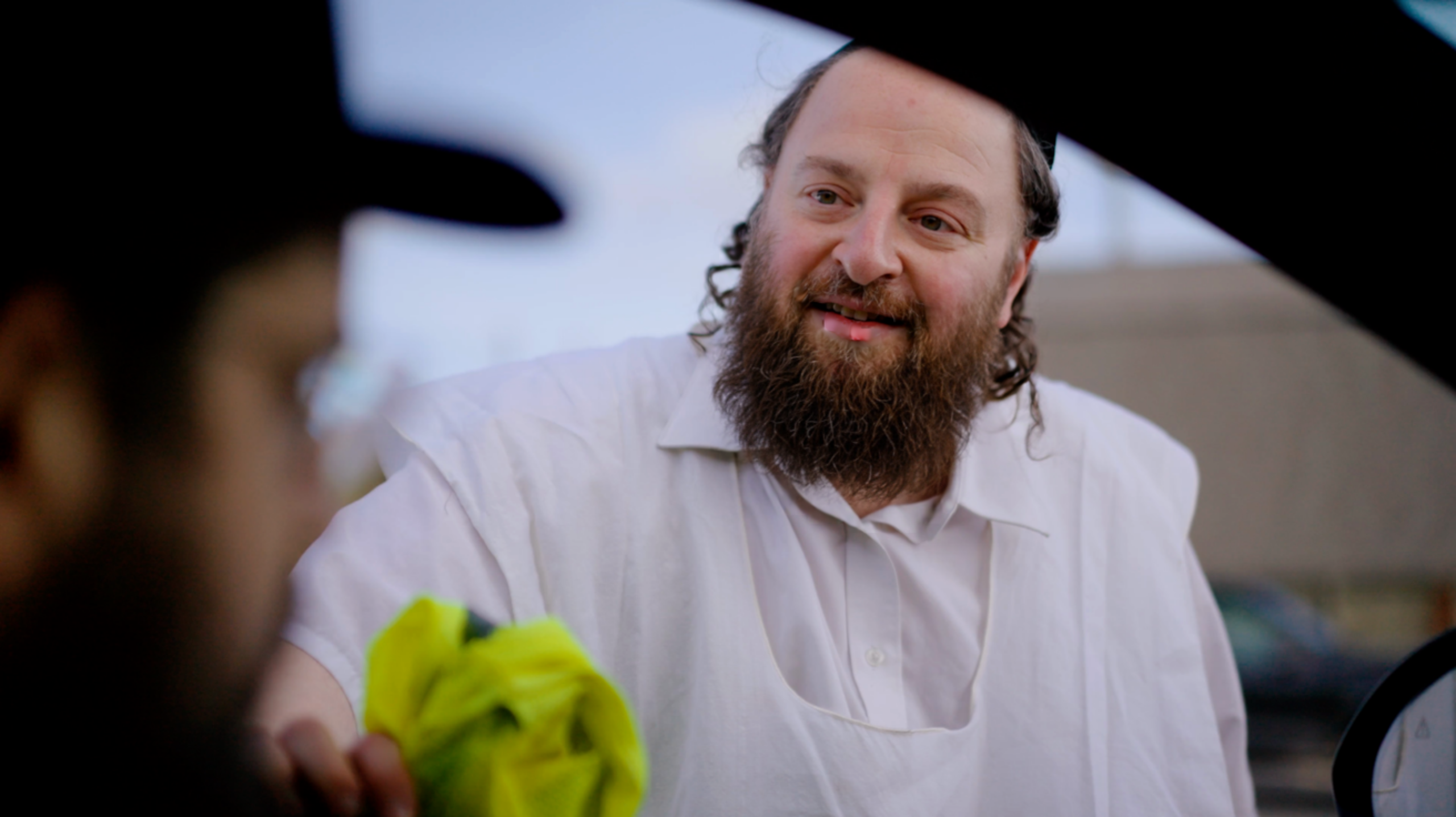
Before & After Examples
Example 1: Close-up Shot (Outdoor)
Example 2: Medium Shot (Outdoor with Vest)
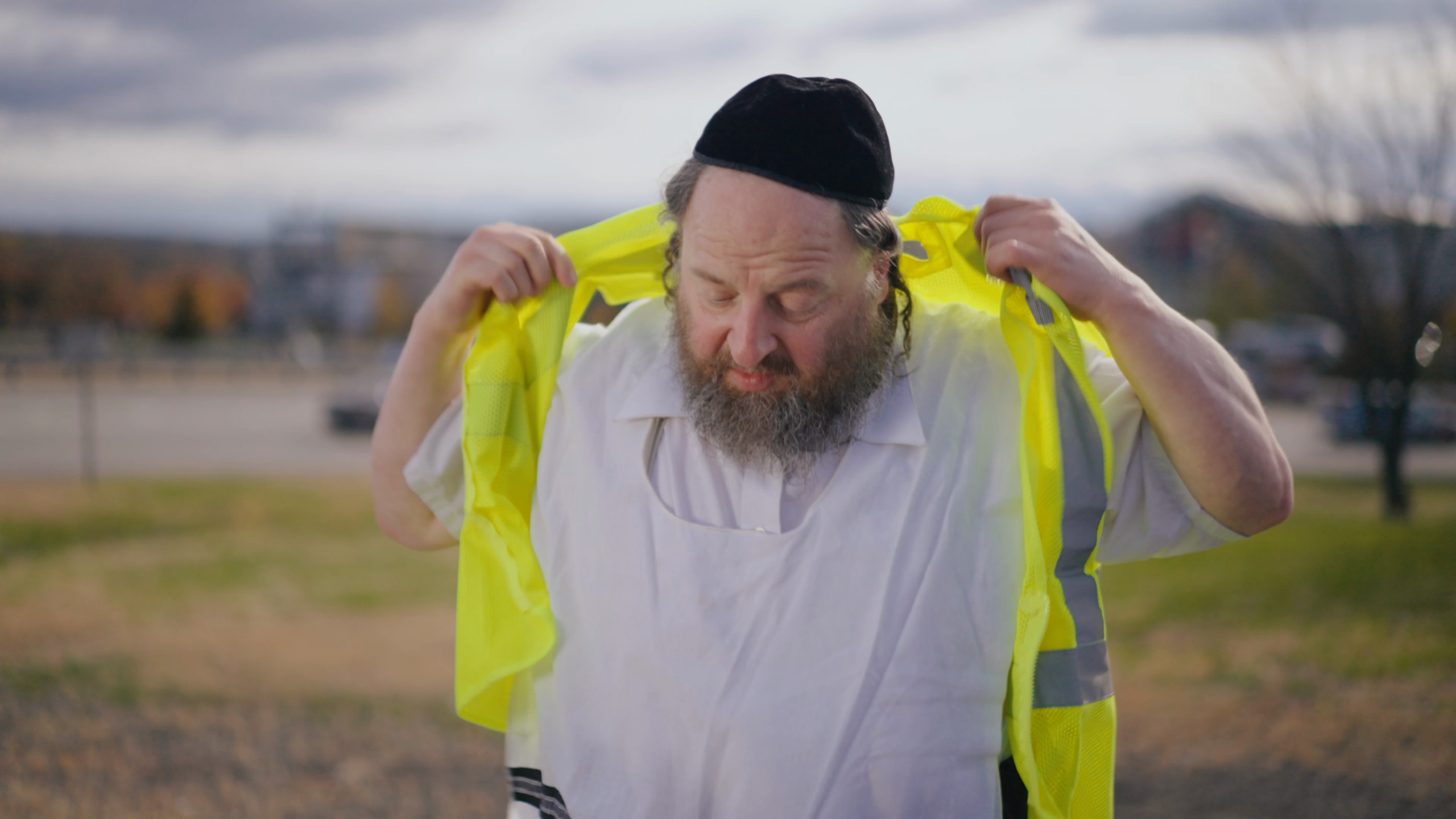
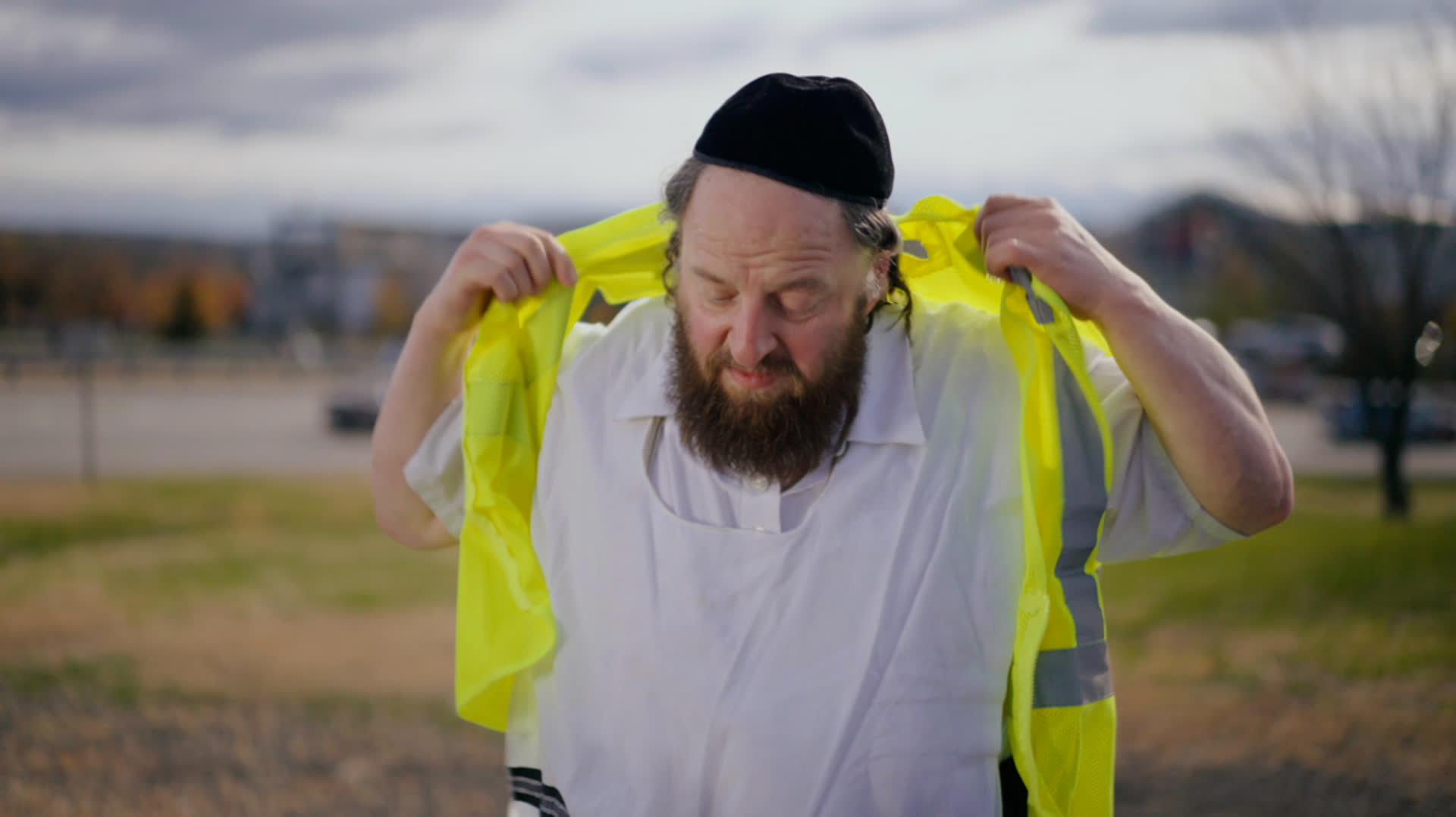
Example 3: Indoor Scene (Different Lighting)
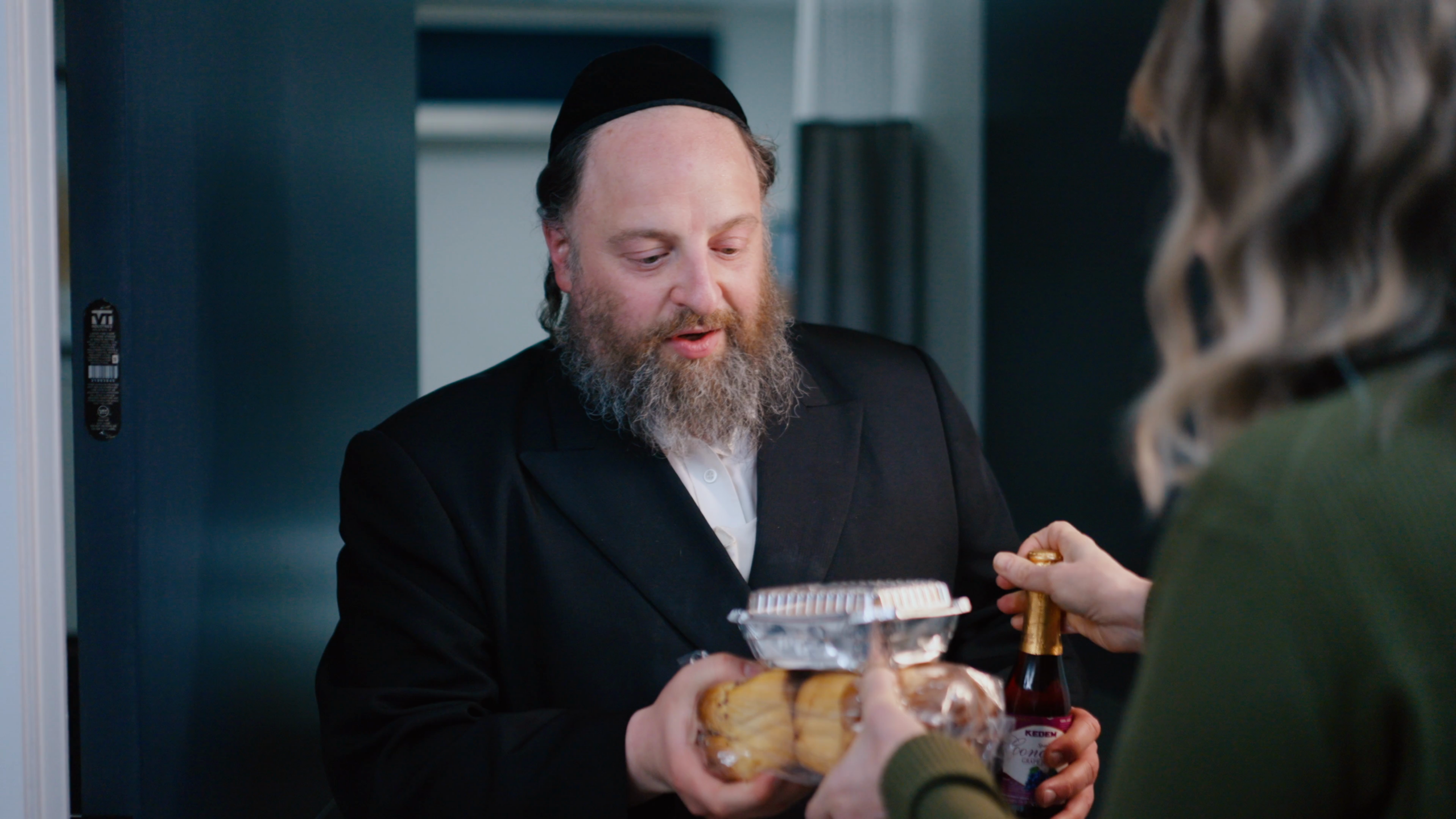
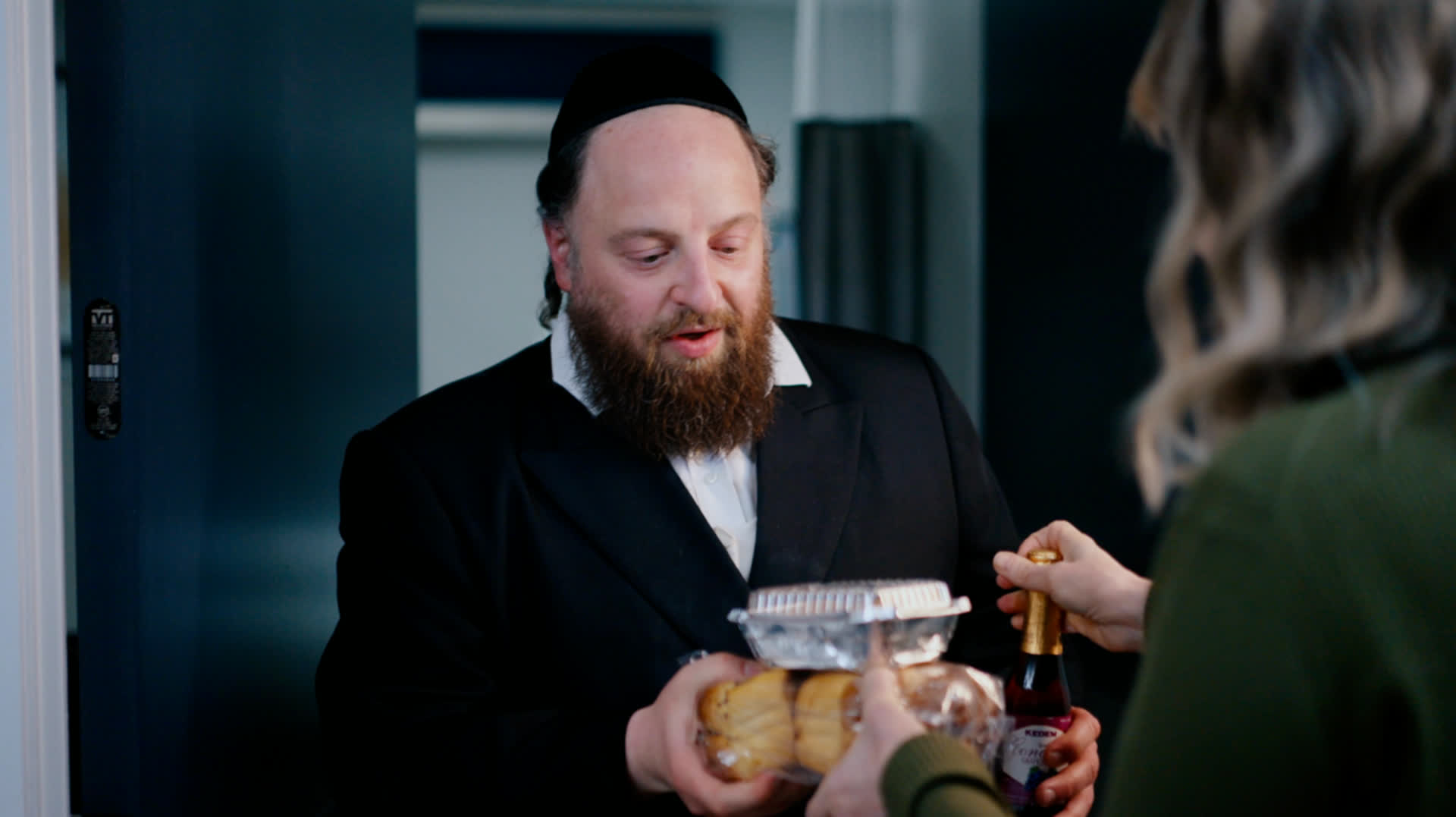
AI Engines Tested
We tested multiple AI video processing engines through fal.ai:
| Engine | Best For | Limitations |
|---|---|---|
| WAN Animate Replace | Flexible duration, good general quality | Max 720p output |
| Luma Ray 2 Modify | Better face preservation in close-ups | Max 720p, image size limits |
| Kling Motion Control | Best motion preservation | Requires 3+ second clips |
The Meta Experience: Conversational Project Management
What makes this project unique is how it was managed: entirely through natural language conversation with an AI agent (Claude Code).
No separate project management software. No task lists in external apps. Just a continuous conversation where the agent and human collaborator worked together in real-time.
What this enabled:
- Parallel Thinking – Execute commands while discussing next steps
- Immediate Pivots – When something fails, try alternatives instantly
- Multi-Modal Interaction – Text, images, voice, files – all in one conversation
- Automatic Documentation – Every decision captured in the conversation
Technical Implementation
We created reusable Claude Code Skills for each step:
/hero-frame– Extract reference frames from video clips/video-replace– Process video through multiple AI engines/video-review– Compare original vs processed for quality assurance/video-upscale– AI upscaling to restore quality
These skills emerged from the conversation as needs arose – they weren't pre-planned.
Key Learnings
- File Size Matters – 4K files often timeout on upload. Use 1080p versions for processing.
- Engine Selection – Different engines work better for different shot types. Luma for close-ups, WAN for general use.
- Human-AI Collaboration – AI handles execution, humans provide creative judgment.
- Documentation is Automatic – When work happens in conversation, documentation writes itself.
Results
Scope: 28 video clips, 4K resolution source footage
What would have taken weeks of traditional VFX work was completed in a single day of AI-assisted processing.
This isn't just about fixing a beard color. It's about pushing the boundaries of what AI can do in professional video production – creating workflows that balance automation with human creative control.
This project was managed entirely through conversational AI collaboration using Claude Code. The documentation you're reading was also created as part of that conversation.
כתיבת תגובה