The Story
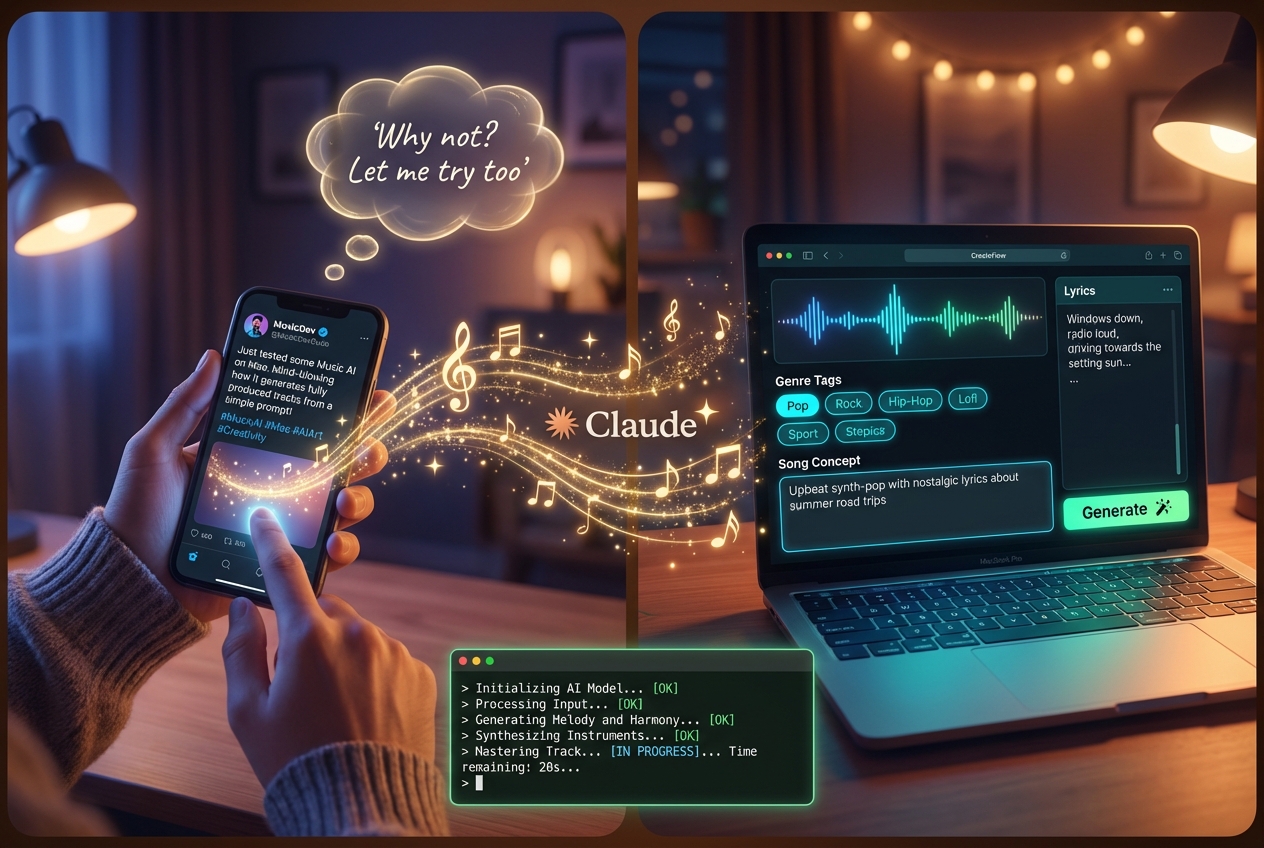
I saw a tweet by @AmbsdOP about running ACE-Step 1.5 — a Suno-level AI music generation model — locally on a Mac. No cloud, no subscription, no external dependencies. Just your hardware, your music.
I thought: "Why not? I have a Mac, let me try."
So I gave Claude Code a literal screenshot of the tweet and said: "Make me one too."
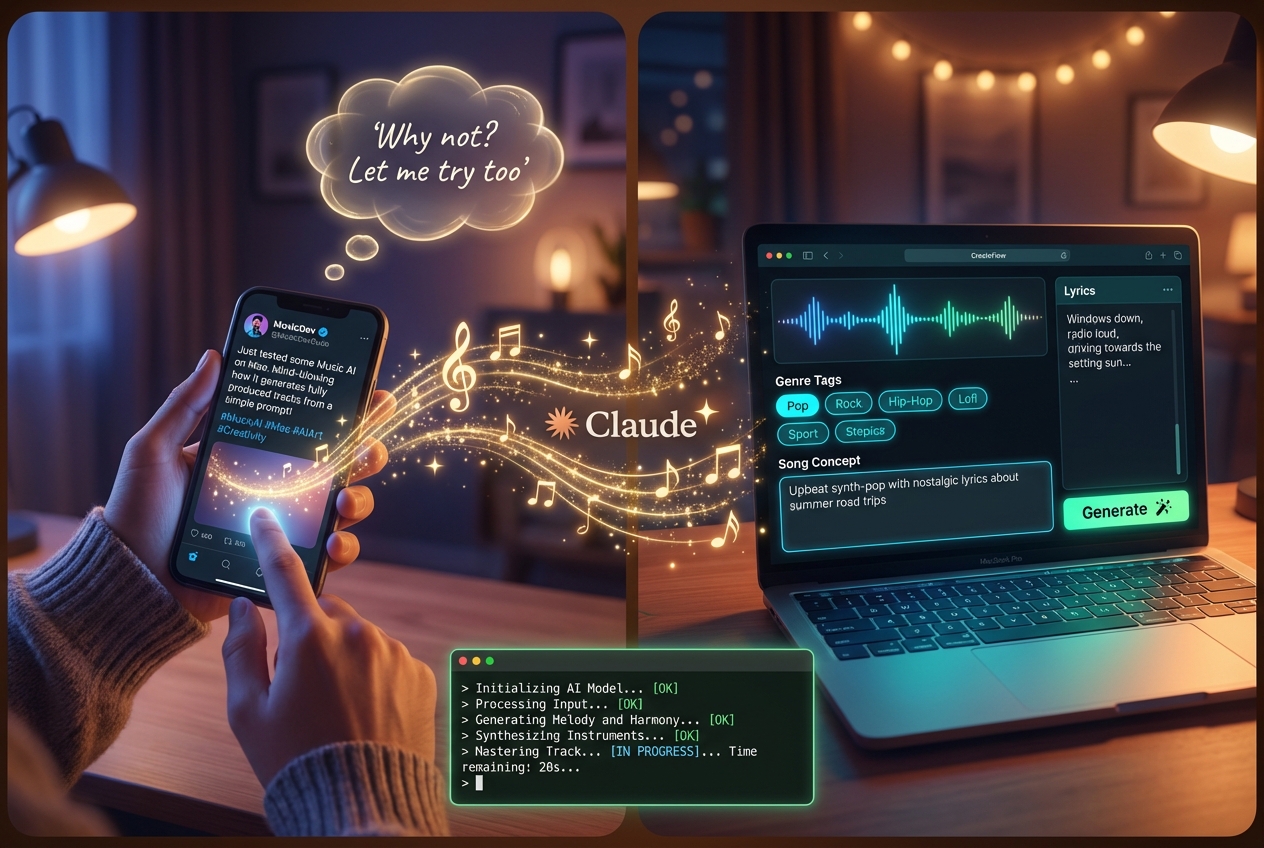
Claude ran in the background — cloned repos, installed dependencies, downloaded models, configured the MLX backend for Apple Silicon, wired up the frontend and backend, and launched everything.
~20 minutes later, a browser window opened with a full music production studio.
One small error on the first generation attempt. I sent Claude the error message. A few quick fixes later…
It just worked.
Full AI music generation. Running 100% locally on my Mac. Metal GPU acceleration via MLX. No Python knowledge required. No cloud API. No subscription fees.
What's Under the Hood
- ACE-Step 1.5 — Open-source AI music generation model (MIT license)
- ACE-Step UI by @AmbsdOP — Professional React/TypeScript frontend
- MLX — Apple's native ML framework for Apple Silicon
- Claude Code — The AI agent that set everything up from a screenshot
Features
- Full song generation from text prompts
- Style selection (Pop, Rock, Hip-Hop, Jazz, Classical, Lo-fi, and more)
- Lyrics editor with persona/voice styles
- Audio editor + stem separation
- Runs 100% offline after initial model download (~10GB)
Try It Yourself
The full setup is on GitHub: github.com/aviz85/ace-step
All you need is a Mac with Apple Silicon, Node.js, Python, and about 20 minutes of patience while the models download.
Your music. Your hardware. No limits.
כתיבת תגובה